Drafts
Drafts on Mac can mirror the active draft into Marked using Marked streaming preview—the same clipboard-based channel described in Streaming Preview. You can also send the current draft once with a community action (no live updates until you run it again).
Streaming preview (Drafts for Mac)
- In Marked, choose so a streaming preview window is ready.
- In Drafts for Mac, open Settings and enable Enable Marked App Streaming Preview support.
- Use Open Marked if Drafts offers it to bring Marked forward, then edit in Drafts; the preview updates as your draft changes.
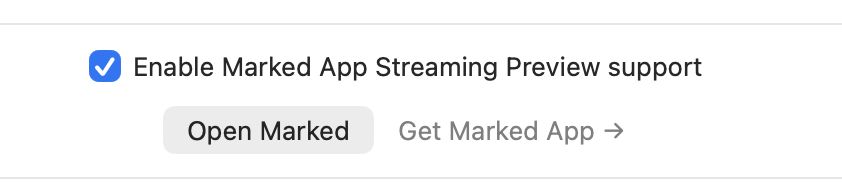
When this option is on, Drafts pushes Markdown to Marked via the integration Marked exposes for streaming previews (rather than relying on watching a file on disk).
Get Marked
If Get Marked App appears in Drafts’ settings sheet, use it when Marked is not installed yet.
Preview in Marked action (manual refresh)
Install the community action Preview in Marked from the Drafts Directory. It sends the current draft text to Marked using an x-marked://preview?text=… URL (Drafts substitutes your draft contents). Contents are not live-updated: run the action again whenever you want Marked to match the draft.
This approach is handy for occasional checks while streaming preview suits continuous writing sessions.
Drafts also runs on iPhone and iPad; streaming preview integration documented here applies to Drafts for Mac with Marked on the same Mac.