nvUltra
nvUltra indexes plain-text notebooks on disk and can hand the selected note(s) to Marked with a built-in shortcut.
Preview File(s) in Marked
In nvUltra’s Folder Navigator (or wherever you browse notes), control-click file(s) to open the contextual menu and choose Preview File(s) in Marked.
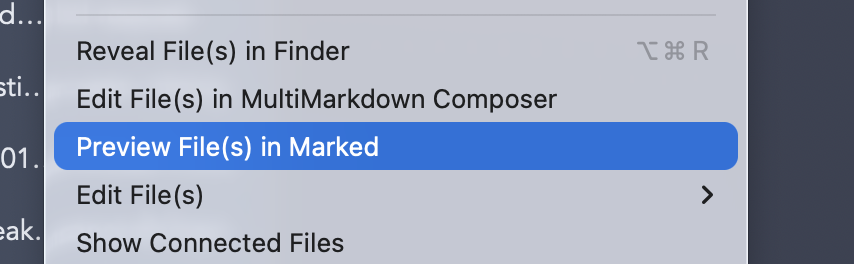
Marked opens normal file-backed previews so your MultiMarkdown renders with Marked styles, bookmarks, minimap toggles, and export options. Use this when you want to jump straight from nvUltra without dragging files to the Dock.
Alternative: folder watching
Need Marked to follow whichever note you touched most recently in a whole folder? Drop that notebook folder onto Marked instead; see Folder Watching for nvALT-style watching, scrolling to edits, and how that workflow differs from opening explicit files.